
TemplateGoat

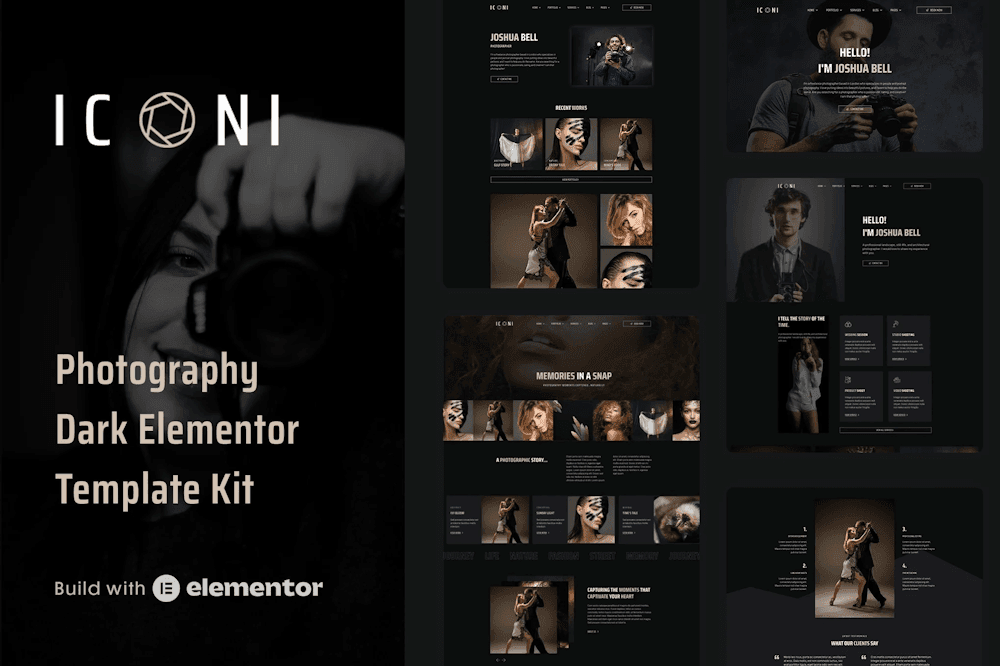
Iconi – Photography & Portfolio Elementor Template Kit

Iconi – Photography & Portfolio Elementor Template Kit termplategoat creative photography Elementor template
Sign in to save to favorites

Iconi – Photography & Portfolio Elementor Template Kit is a creative photography Elementor template crafted for Professional Photographers, Photography Agencies, and Photo Studios seeking a stunning WordPress-based portfolio. This premium Elementor portfolio kit features 23 full-page templates and 35 blocks/sections with a dark, modern, and 100% responsive design—perfect for showcasing photo galleries, services, and portfolios without coding. Optimized for most Elementor themes, Iconi photography website template offers total color and typography customization with Elementor Pro, delivering a versatile, SEO-friendly platform for photographers and creatives.

Features

  • Premium, creative dark design for photography portfolios
  • 100% responsive layout, optimized for all devices
  • 23 full-page templates and 35 blocks/sections for flexibility
  • No-coding customization with Elementor’s drag-and-drop builder
  • SEO-friendly structure for better search visibility
  • Cross-browser compatibility (Chrome, Firefox, Safari, Opera)
  • Header, footer, and form builder for cohesive branding

Pages

  1. Home Page 1
  2. Home Page 2
  3. Home Page 3
  4. Home Page 4
  5. Portfolio 1
  6. Portfolio 2
  7. Single Portfolio 1
  8. Single Portfolio 2
  9. Single Portfolio 3
  10. Services
  11. Single Service Page
  12. Blog Page
  13. Single Blog Post
  14. Blog Archive
  15. About
  16. Work Process
  17. FAQs
  18. Pricing
  19. Gallery
  20. Testimonials 1
  21. Testimonials 2
  22. Contact
  23. 404 Page

Blocks/Sections

  1. Block – Header
  2. Block – Footer
  3. Block – Hero Banner 1
  4. Block – Hero Banner 2
  5. Block – Hero Banner 3
  6. Block – Content
  7. Block – Content with Image
  8. Block – Content with Image Slider
  9. Block – CTA
  10. Block – FAQs Section
  11. Block – Portfolio 1
  12. Block – Portfolio 2
  13. Block – Clients
  14. Block – Contact Form
  15. Block – Contact Info
  16. Block – Features 1
  17. Block – Features 2
  18. Block – Filterable Gallery
  19. Block – Gallery Grid Full Width
  20. Block – Gallery Masonry Full Width
  21. Block – Horizontal Timeline
  22. Block – Image Carousel
  23. Block – Marquee
  24. Block – Newsletter Box
  25. Block – Page Title
  26. Block – Price Table
  27. Block – Process Steps
  28. Block – Recent Posts
  29. Block – Services 1
  30. Block – Services 2
  31. Block – Services 3
  32. Block – Stat Counter
  33. Block – Team Member
  34. Block – Testimonials 1
  35. Block – Testimonials 2

Addons

  • Elementor: Core builder for intuitive, code-free design
  • Qi Addons for Elementor: Dynamic tools for creative layouts
  • Note: Elementor Pro required for some templates/features (not included)
How to Use Template Kits

Follow these steps to import & customize your kit

1

Download the kit file

Save the .zip file to your computer. Do not unzip it — WordPress needs the compressed archive to import correctly.

2

Upload the kit in Elementor

Go to Elementor → Installed Kits in your WordPress dashboard and upload the .zip file.

3

Install required plugins

When prompted, install all recommended plugins. These are needed for the kit's widgets and features to work properly.

4

Import Global Kit Styles first

Always start with Global Kit Styles — this applies fonts, colors, and spacing across all templates in the kit.

Do this before any other import
5

Import templates one by one

Import the remaining pages individually — homepage, about, contact, etc. Avoid bulk-importing all templates at once.

6

Create a new page & edit with Elementor

In WordPress add a new page, click Edit with Elementor, then set the page layout to Elementor Full Width if needed.

7

Open the Kit Library & import your template

Go to Templates → Kit Library or Elementor → Tools → Import Kit. Select the template you want and click Import.

8

Customize using Elementor

Edit text, images, colors, and layout directly in the Elementor editor. All elements are fully flexible and ready to match your brand.

9

Manage headers & footers

If you have Elementor Pro, headers and footers can be managed globally through Theme Builder.

Elementor Pro only

📌 Important note

This is an Elementor Template Kit, not a WordPress theme. It contains professionally designed templates optimized for the free Hello Elementor theme and most Elementor-compatible themes. Elementor Pro is not required for this kit.

Are you a Member? Just login & download.

Get Unlimited Access

Related Portfolio Listings

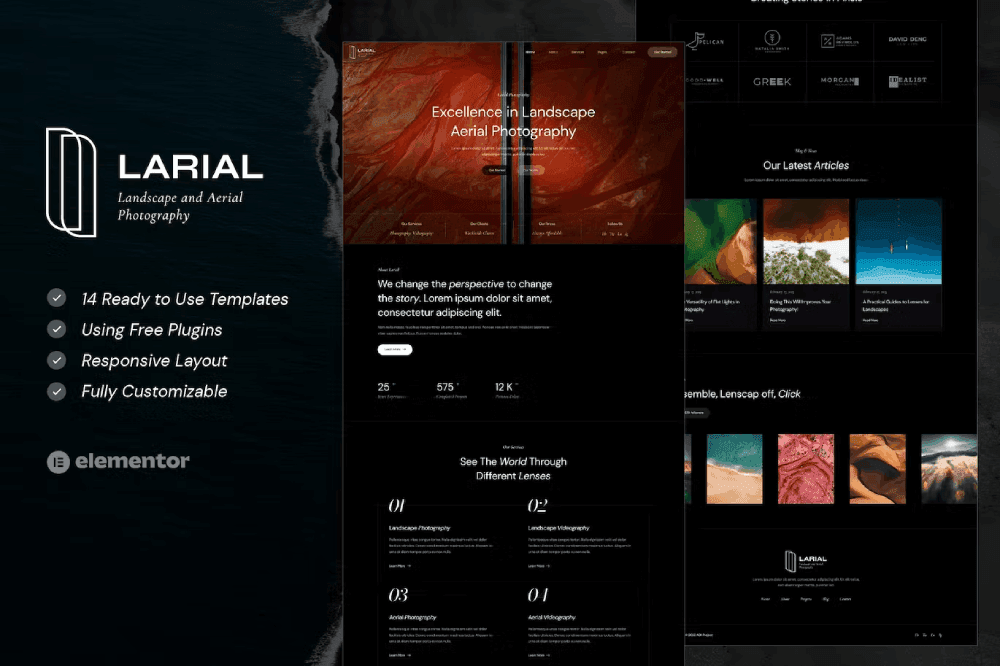
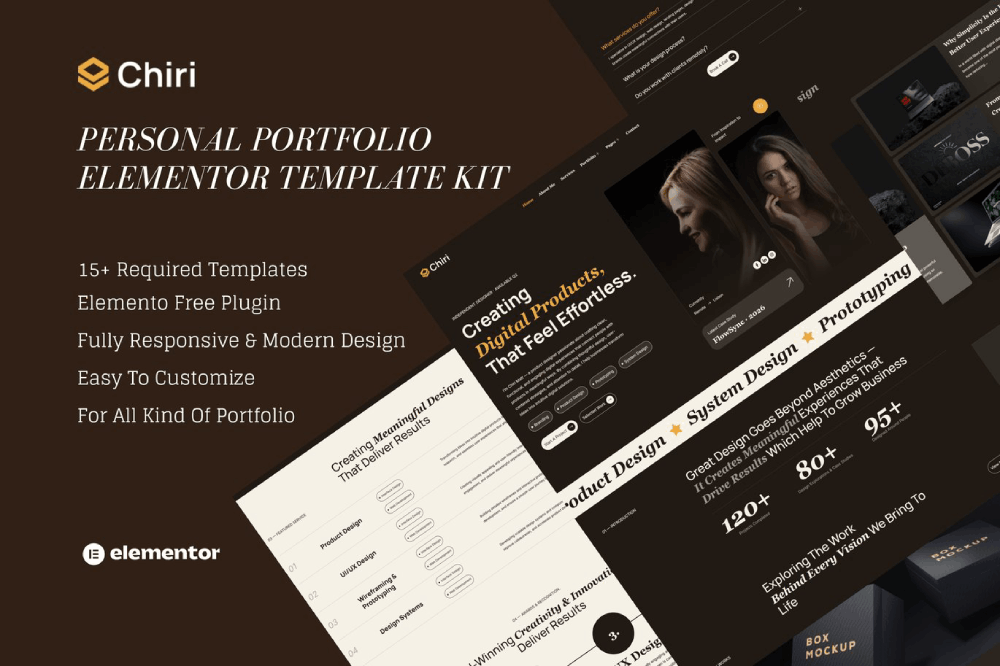
Larial – Landscape & Aerial Photography Elementor Template Kit

Live Preview

Nekora – Designer & Freelancer Creative Portfolio Elementor Template Kit

Live Preview

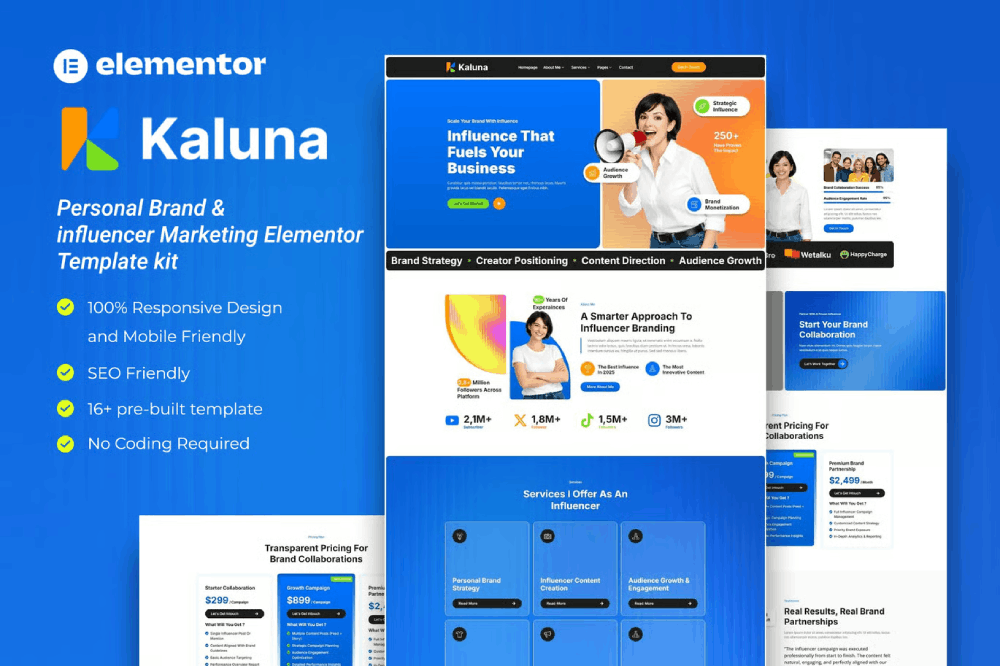
Kaluna – Personal Brand & influencer Marketing Elementor Template kit

Live Preview

Arcadia – Book Publisher & Author Elementor Template Kit

Live Preview

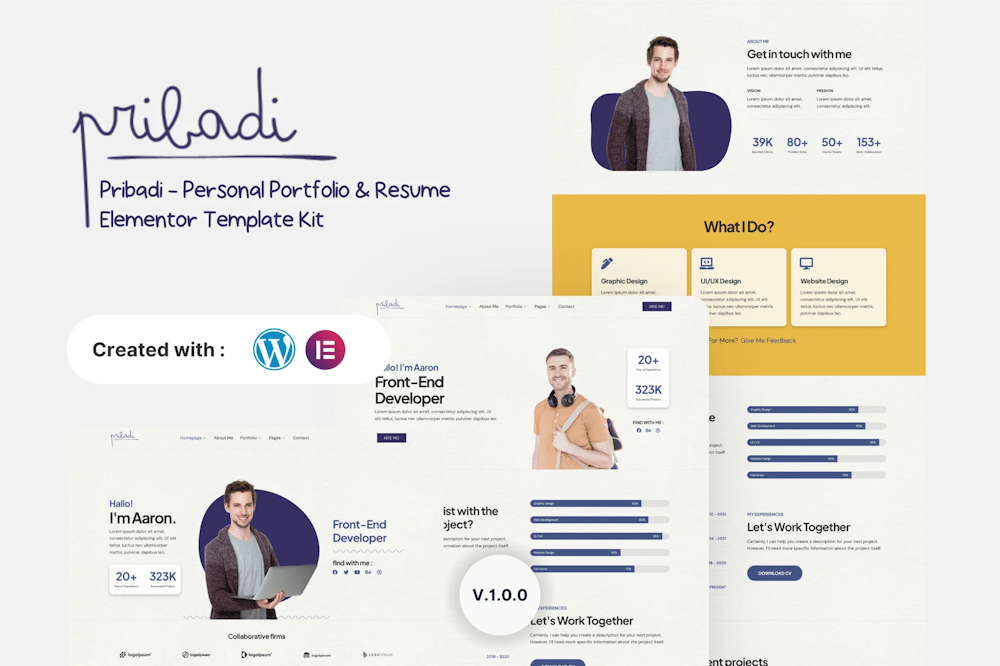
Pribadi – Personal Portfolio & Resume Elementor Template Kit

Live Preview

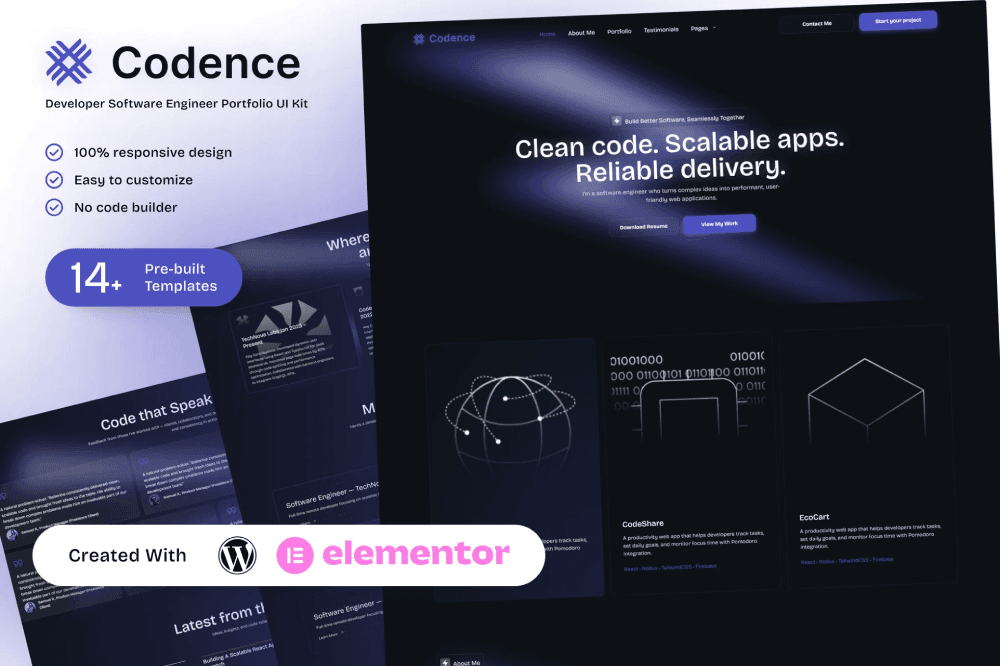
Codence – Developer Software Engineer Portfolio Elementor Template Kit

Live Preview

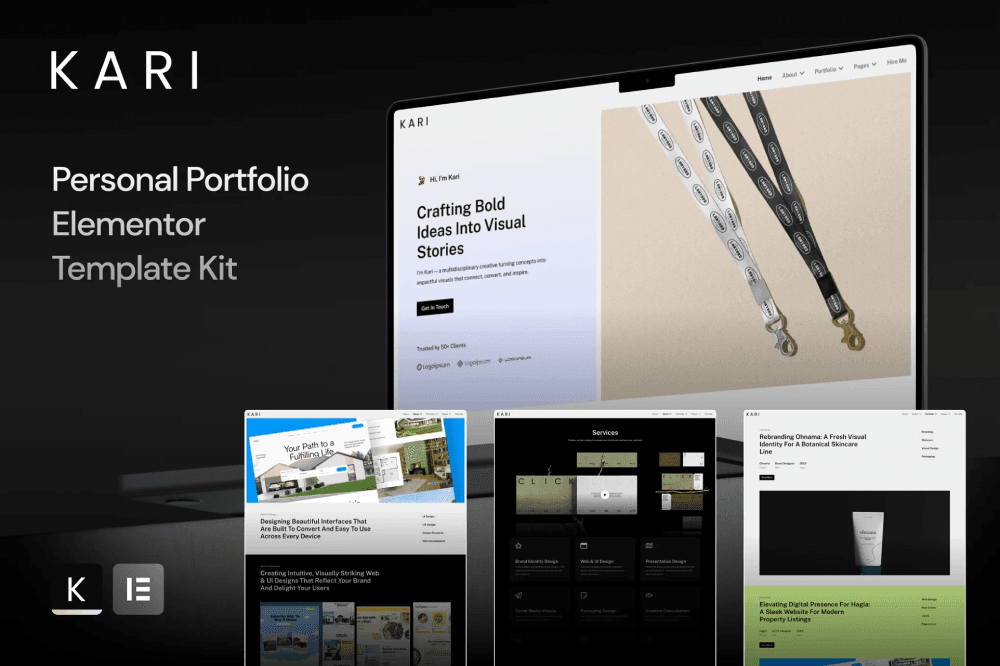
Kari – Personal Portfolio Elementor Template Kit

Live Preview

Archiplus – Architecture and Interior Design Agency Elementor Pro Template Kit

Live Preview

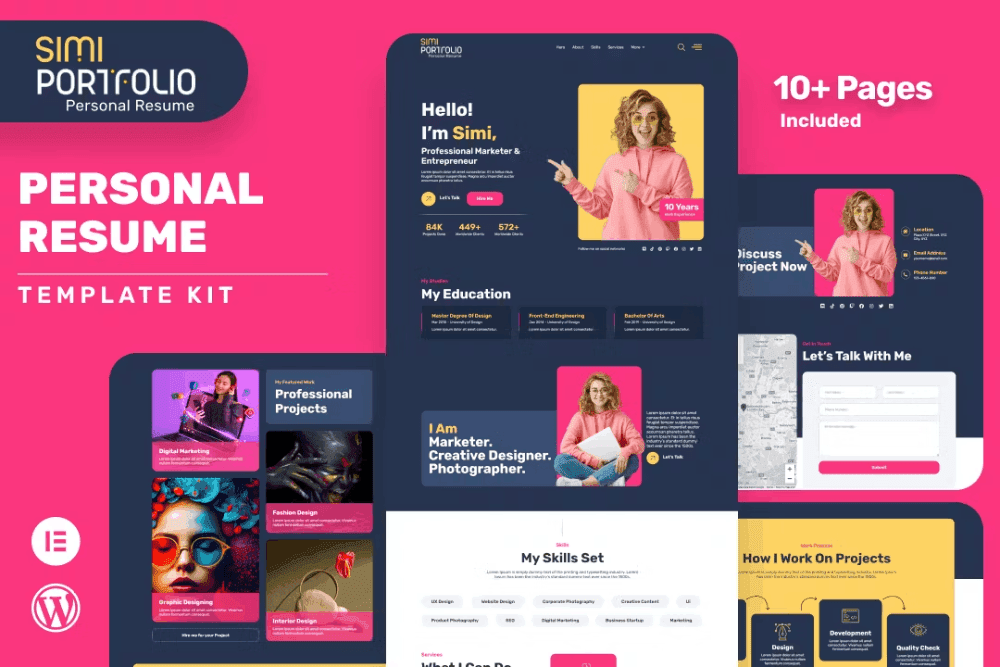
Simi– Personal Portfolio & Resume Elementor Template Kit

Live Preview
Scroll to Top

Share with your friends

Click and share this template.
Facebook
Pinterest
X
Telegram
Email
Skype
Free Bundle
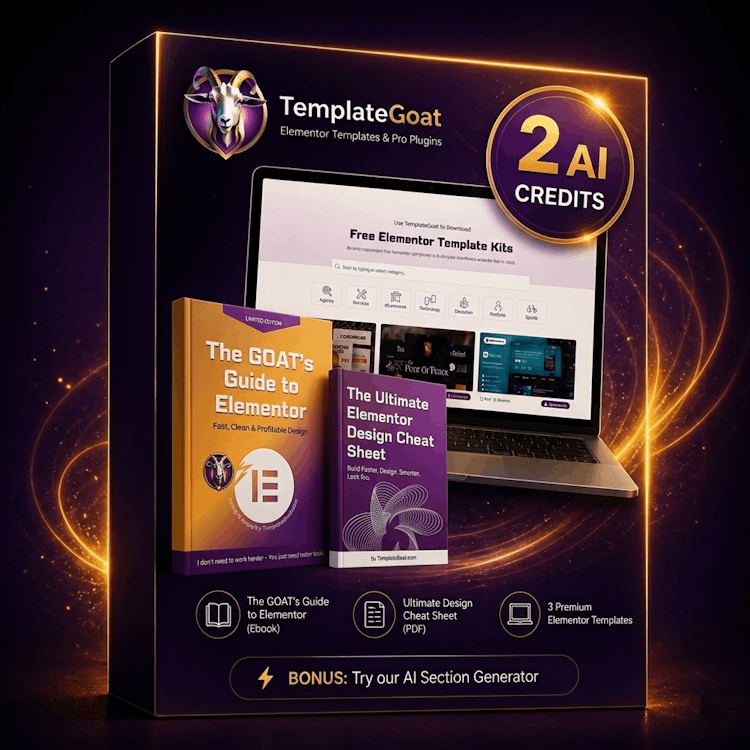
TemplateGoat free elementor template kit bundle 3 premium template kits one giude and 2 free credits for GOAT AI
What's included
  • 3 Premium Elementor Templates
  • The GOAT's Guide to Elementor
  • Ultimate Design Cheat Sheet
  • 2 AI Generator Credits
BONUS: Try our AI Section Generator free with your 2 credits
Grab your FREE
Starter Bundle

3 premium templates, 2 PDF guides & 2 AI credits — instantly yours. No credit card needed.

Total value Templates + Guides + AI Credits
FREE
Lead Magnet
or continue with
Sign up with Google
2,794 people already grabbed this bundle