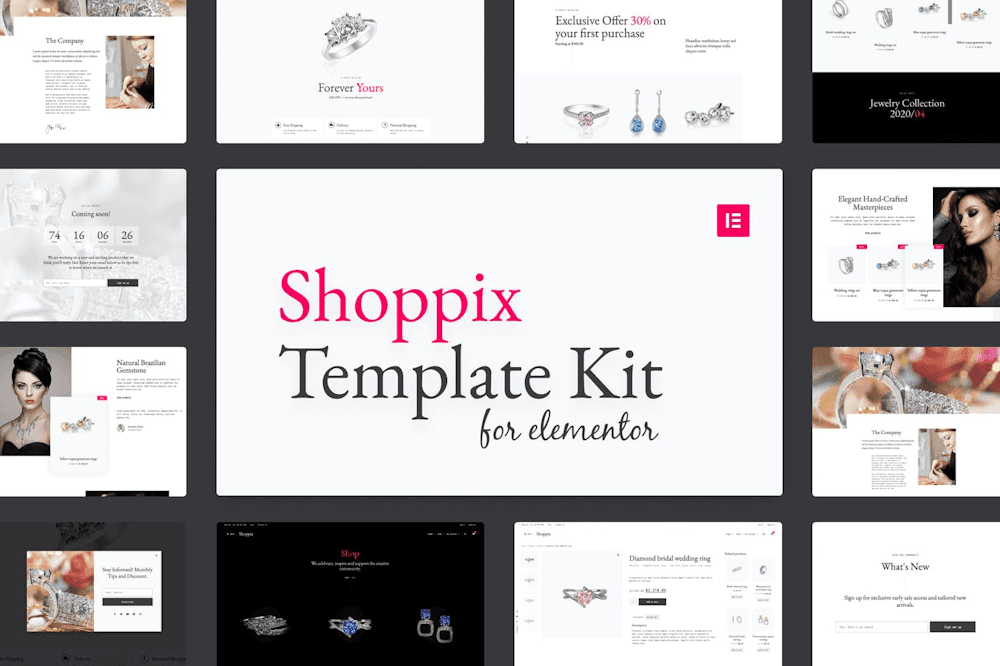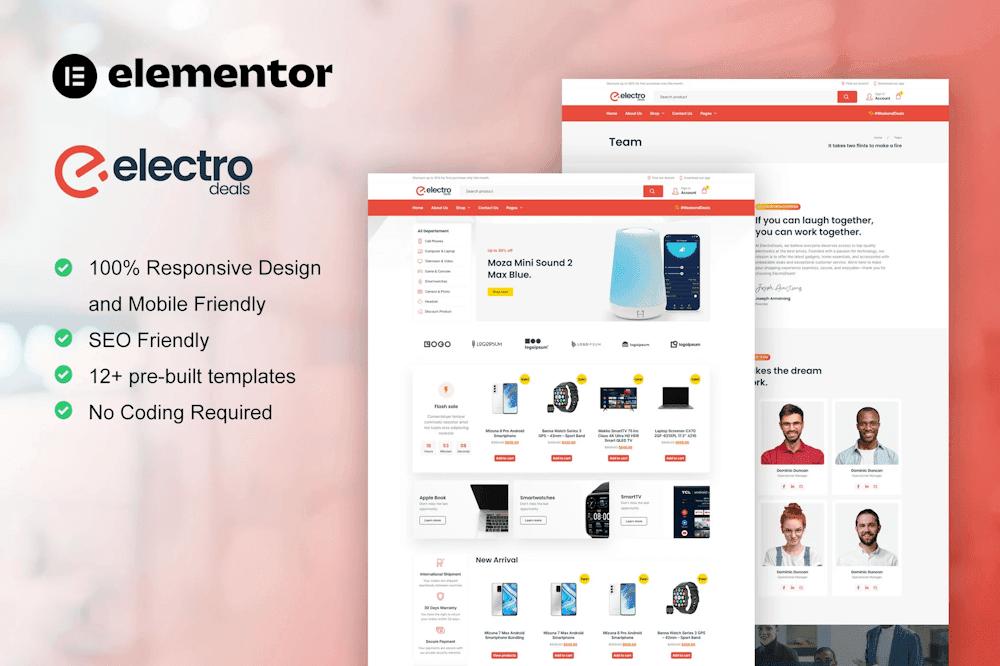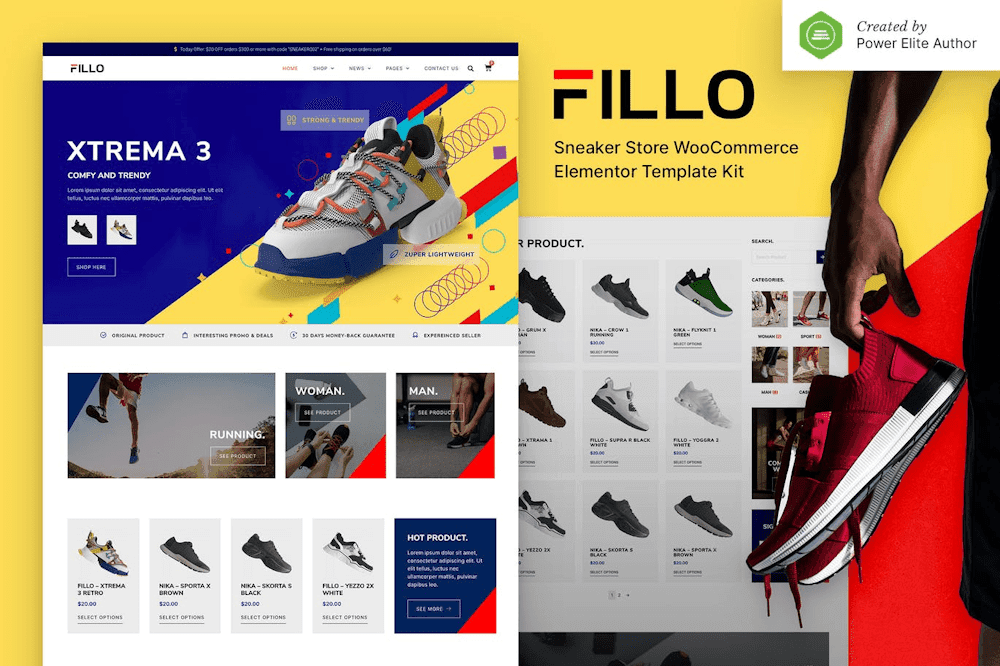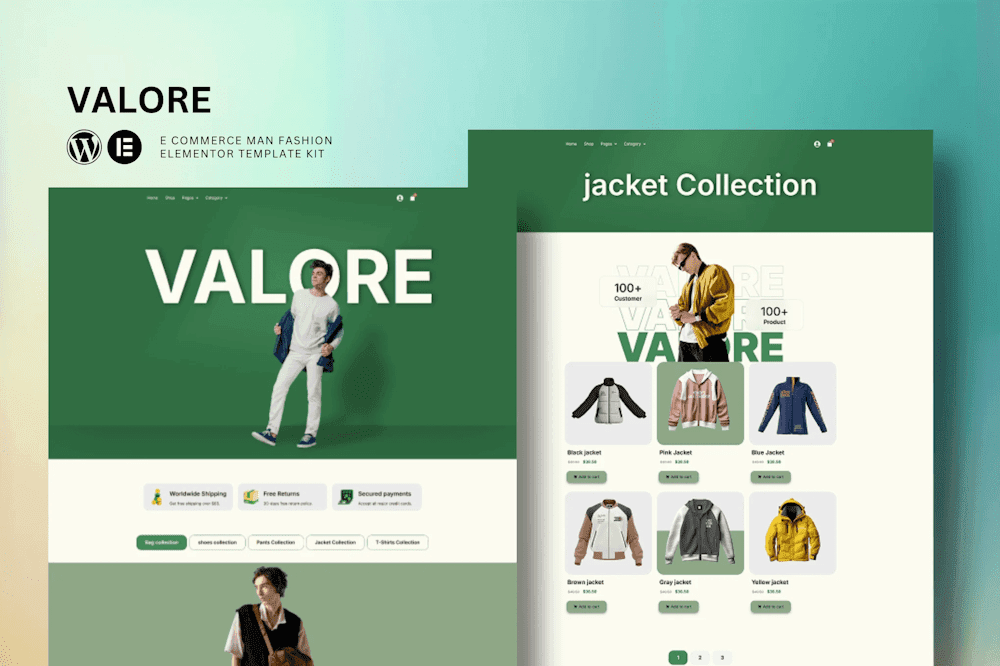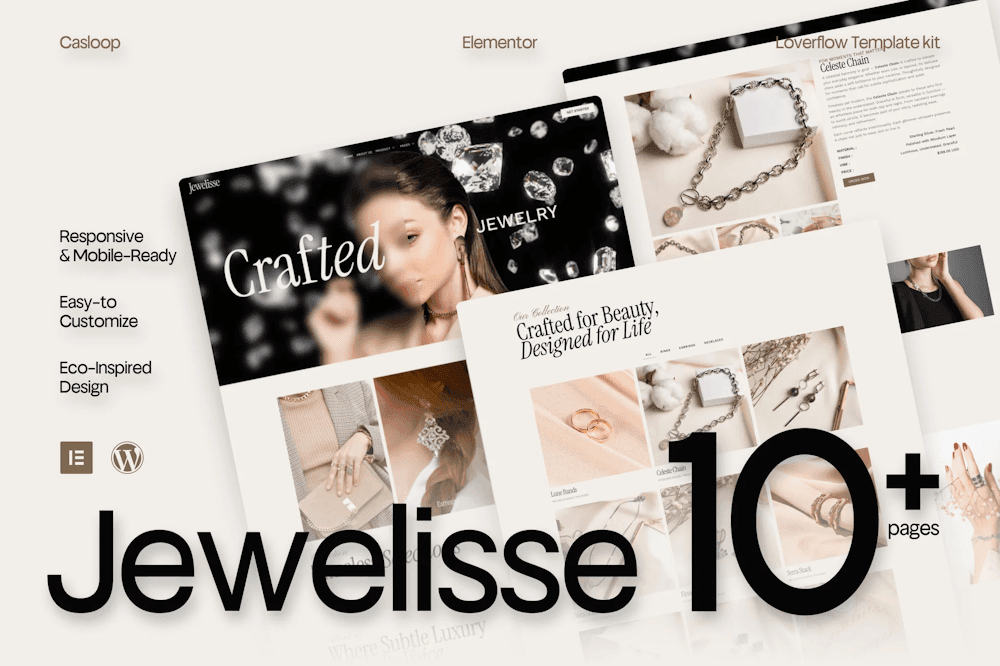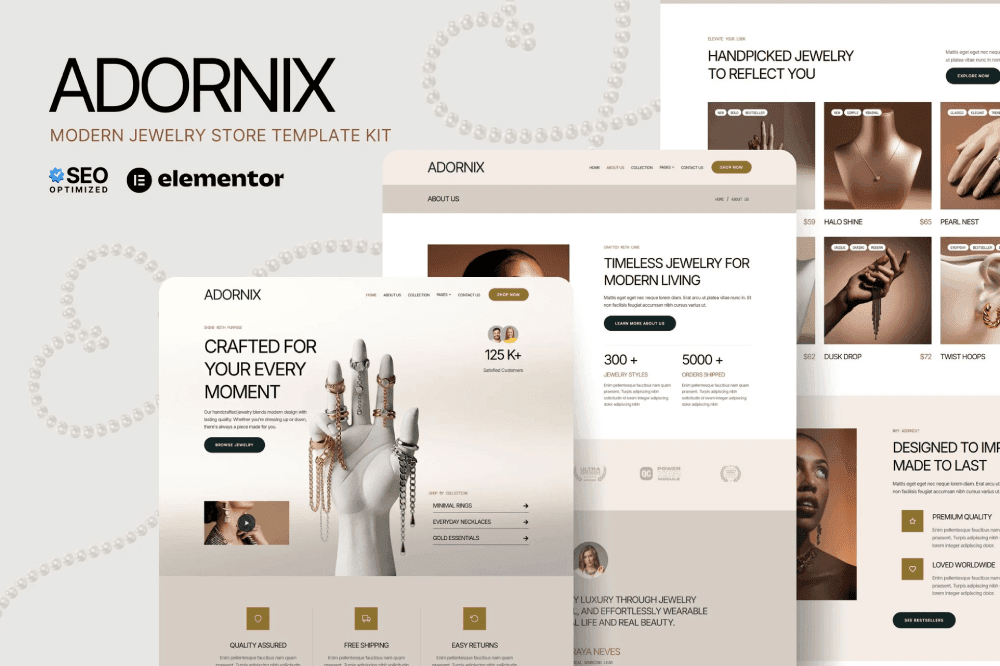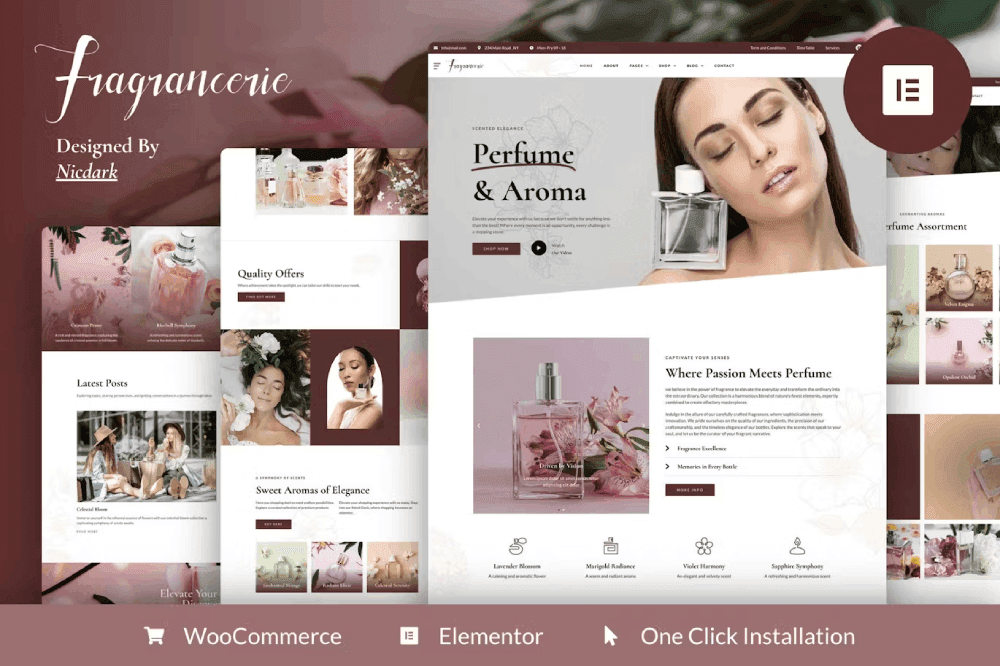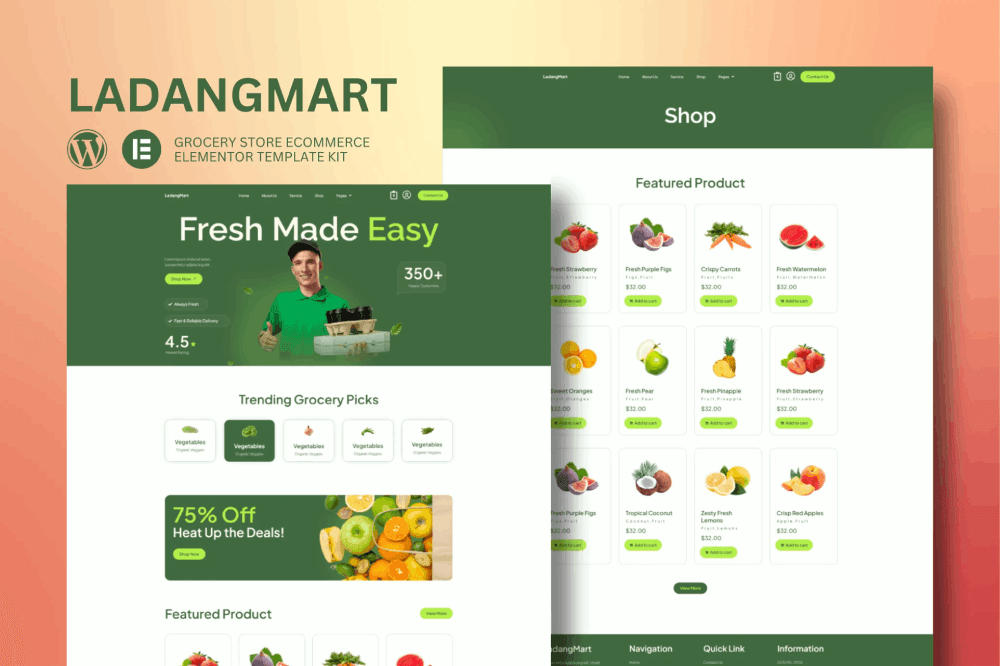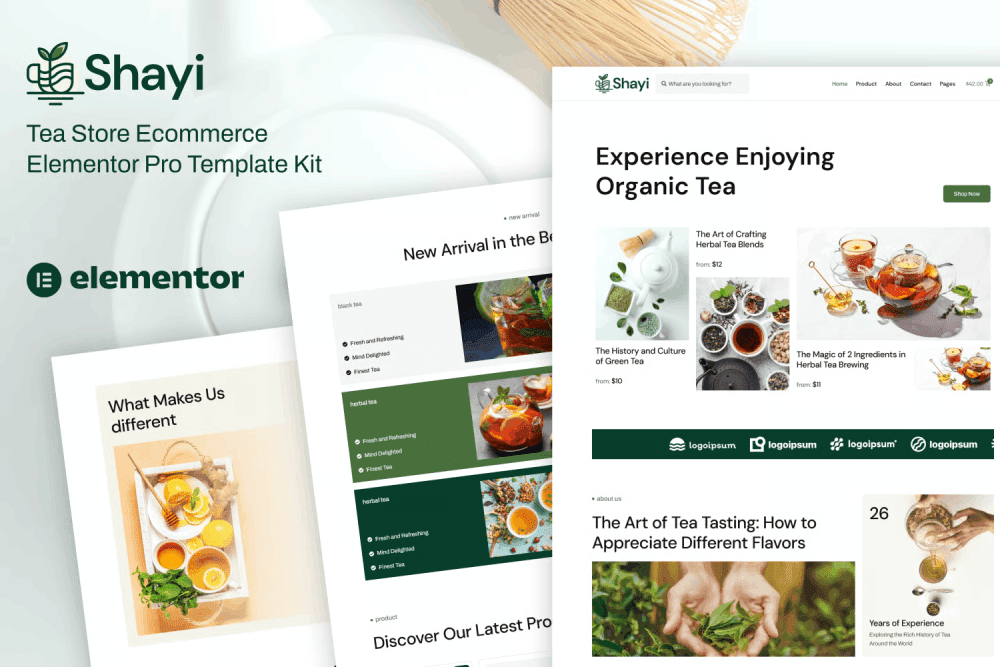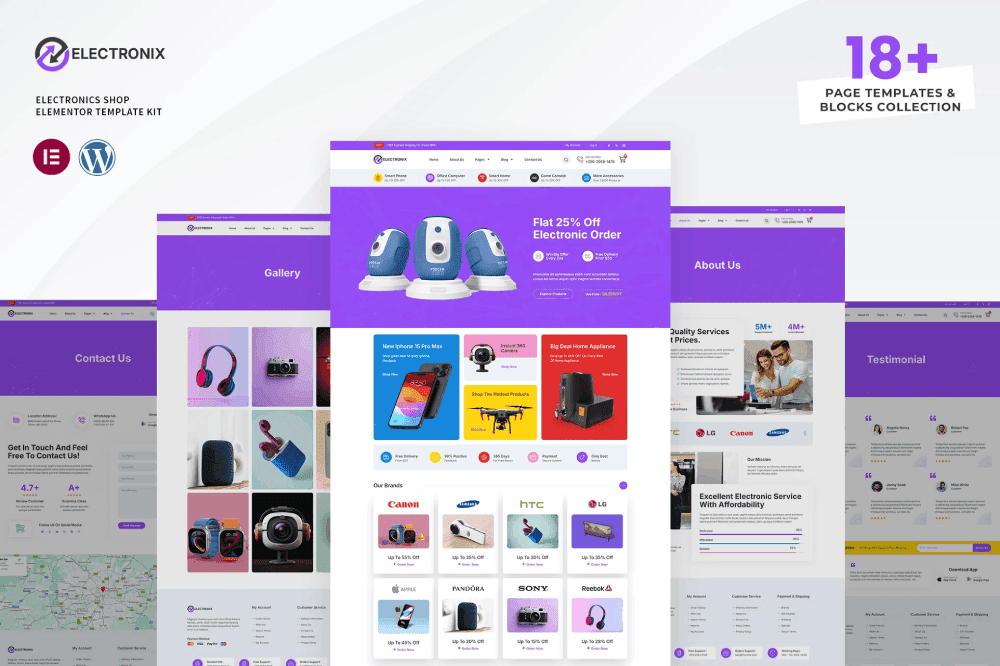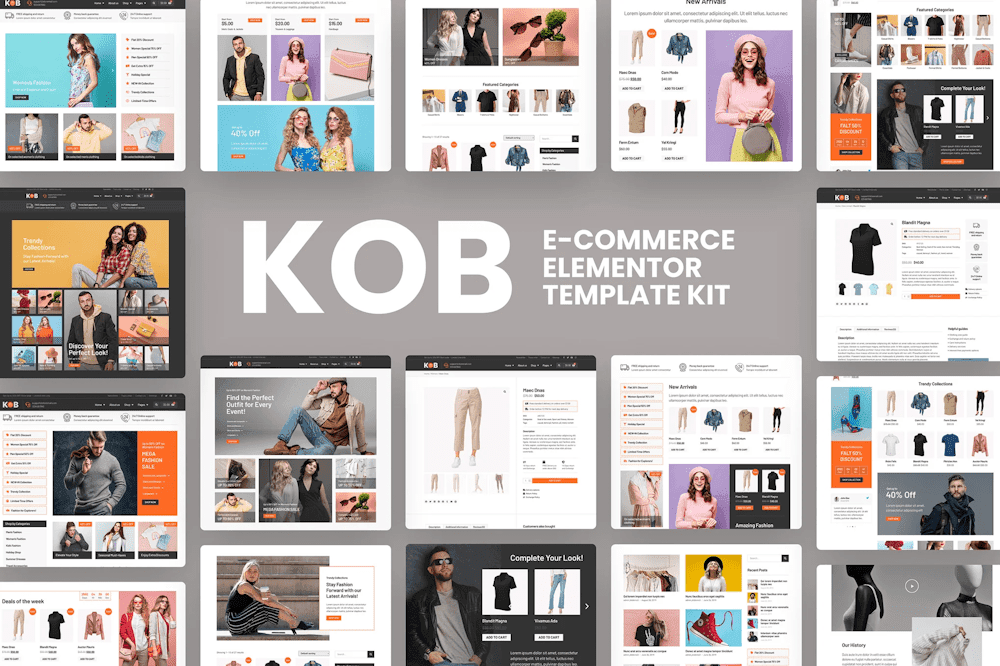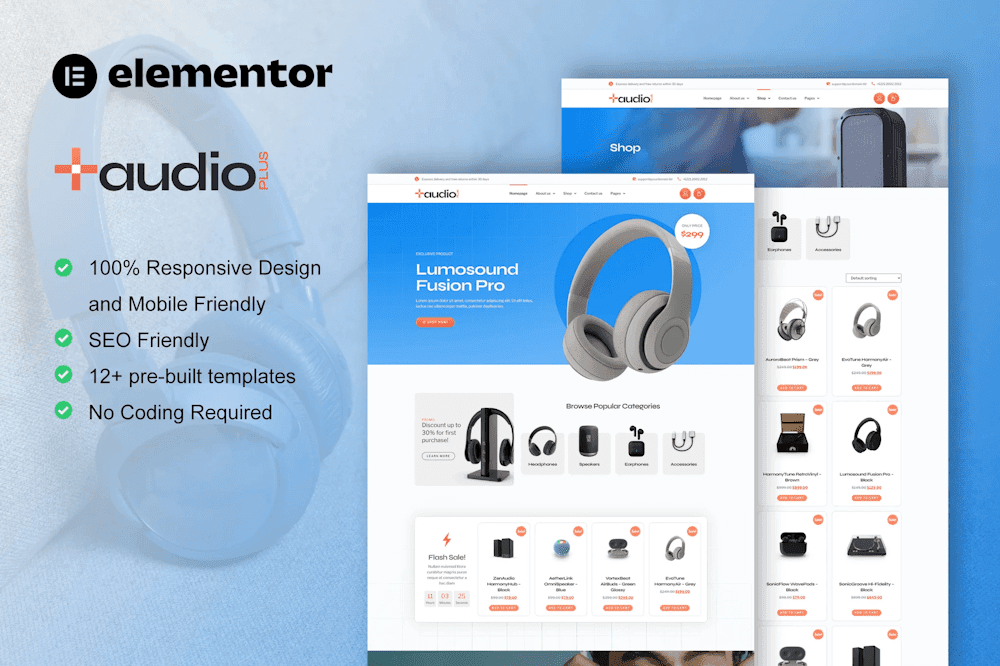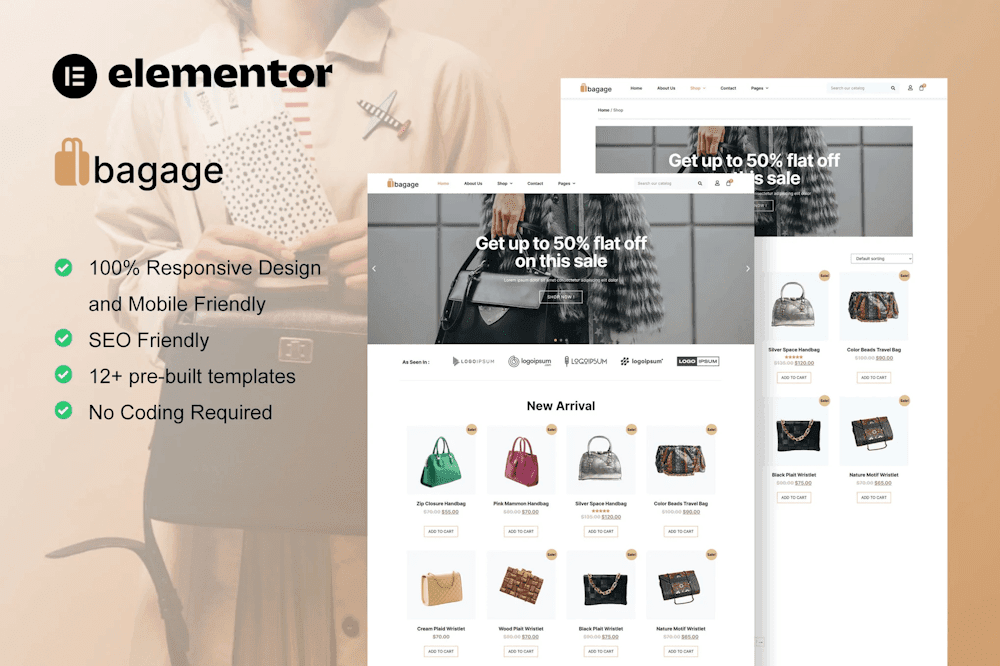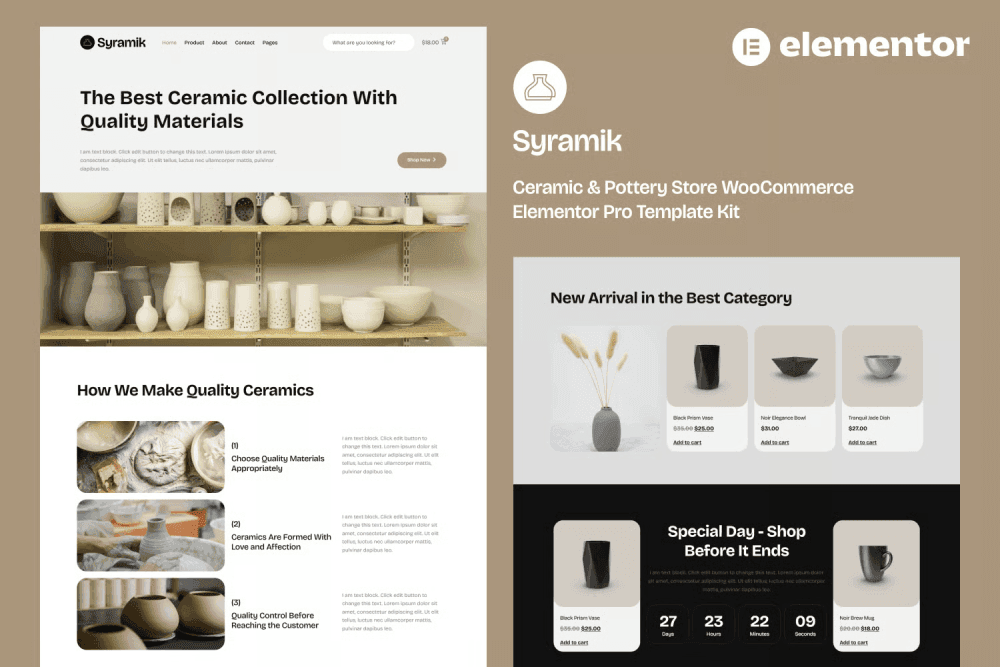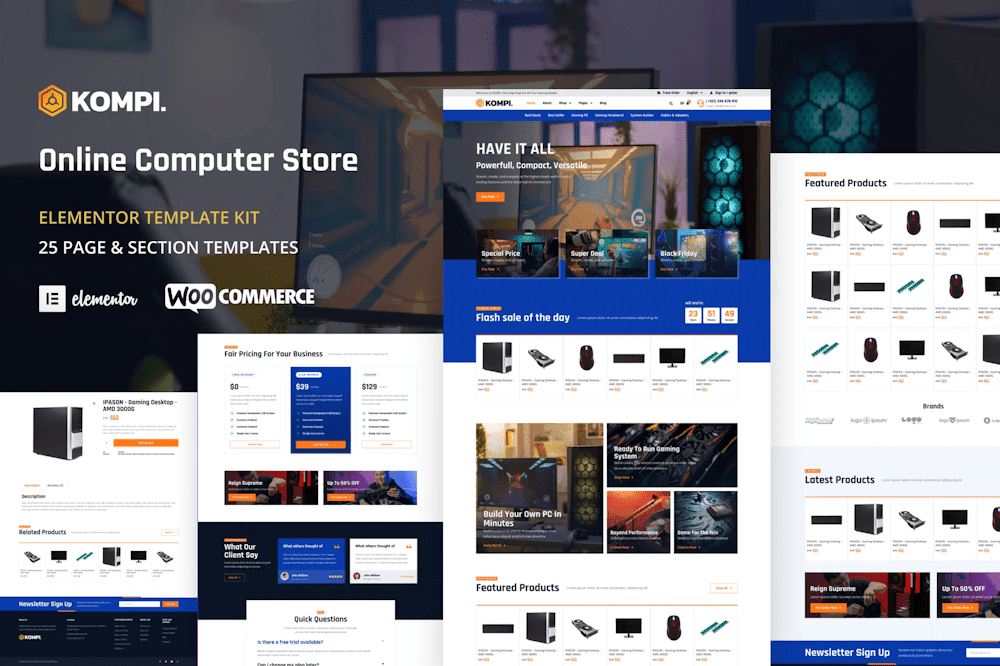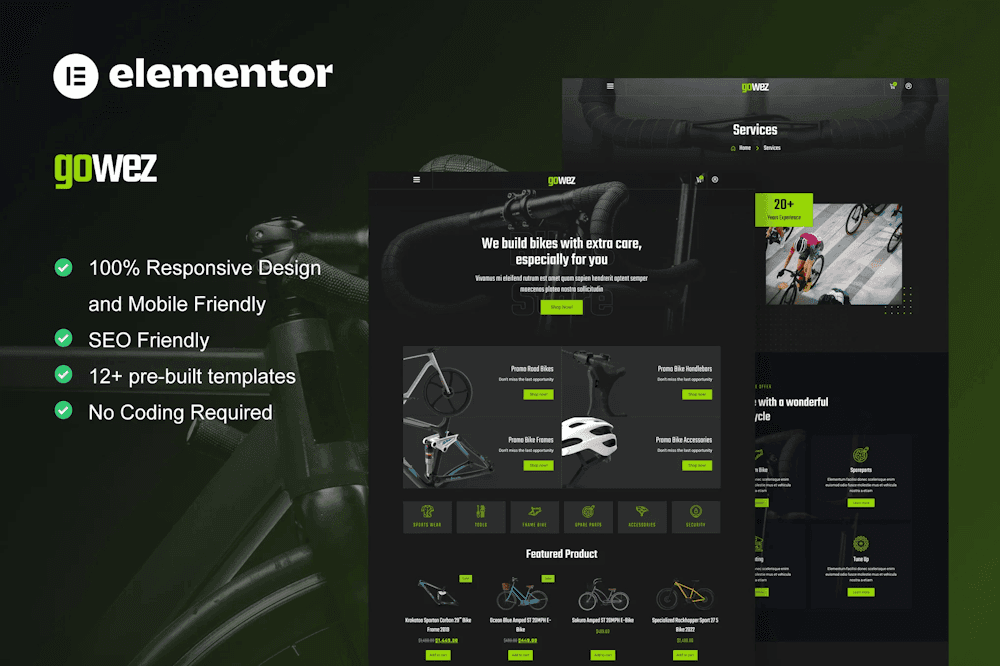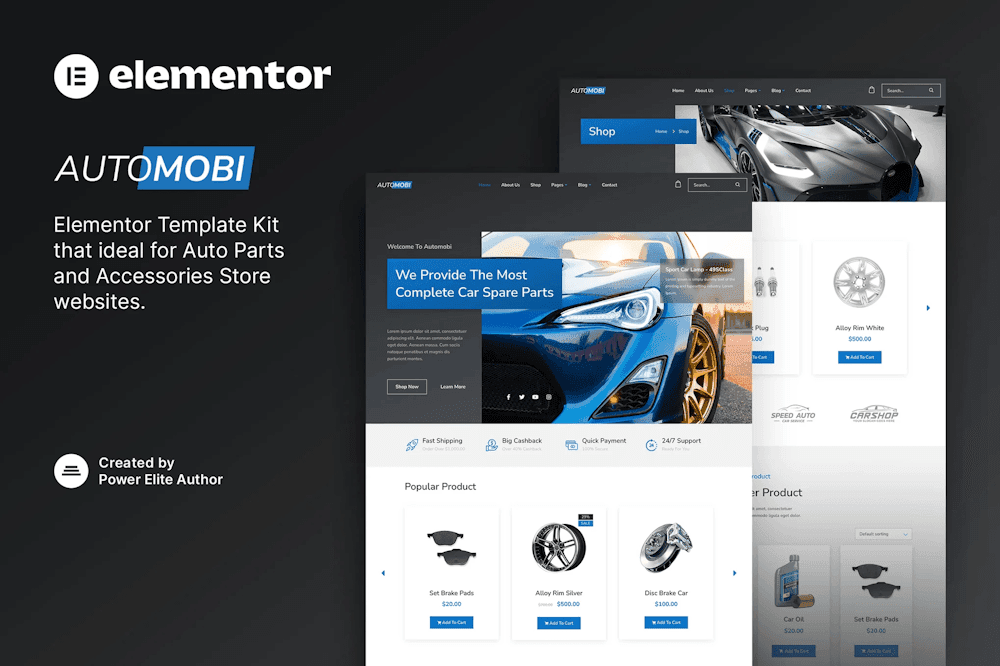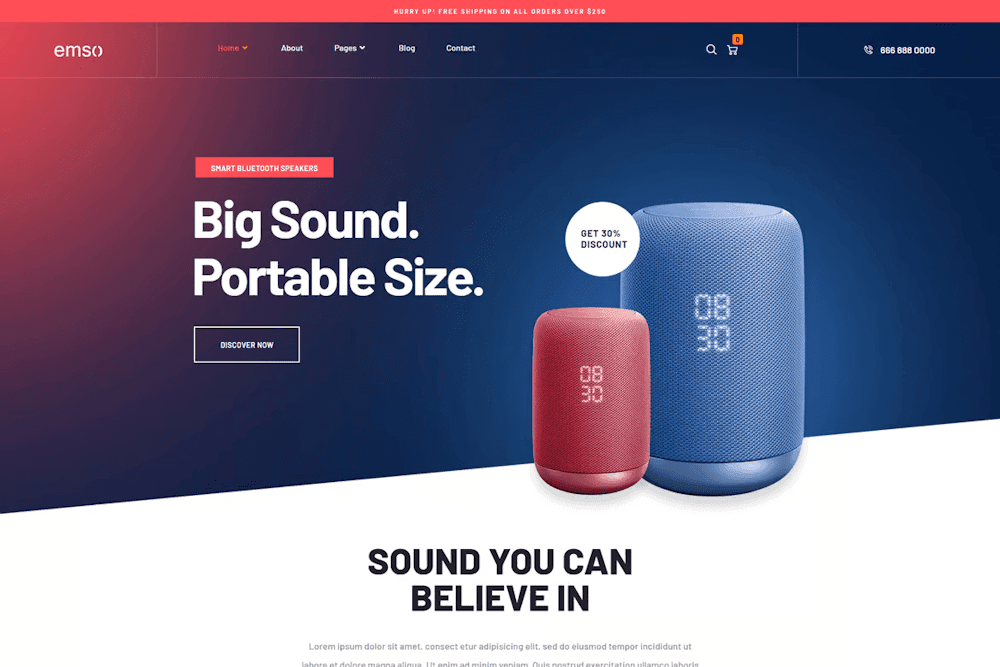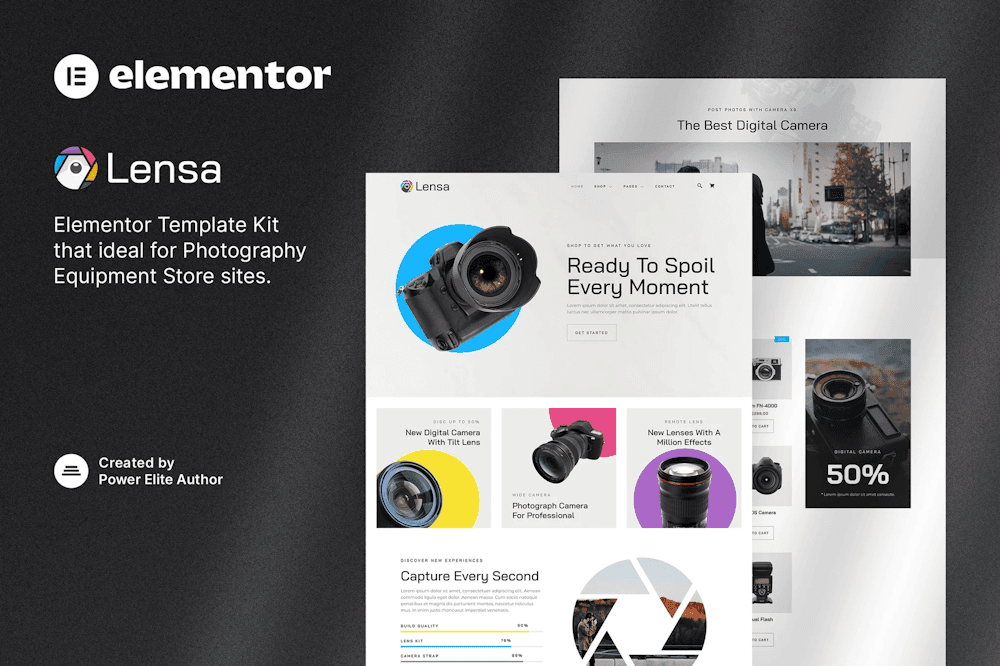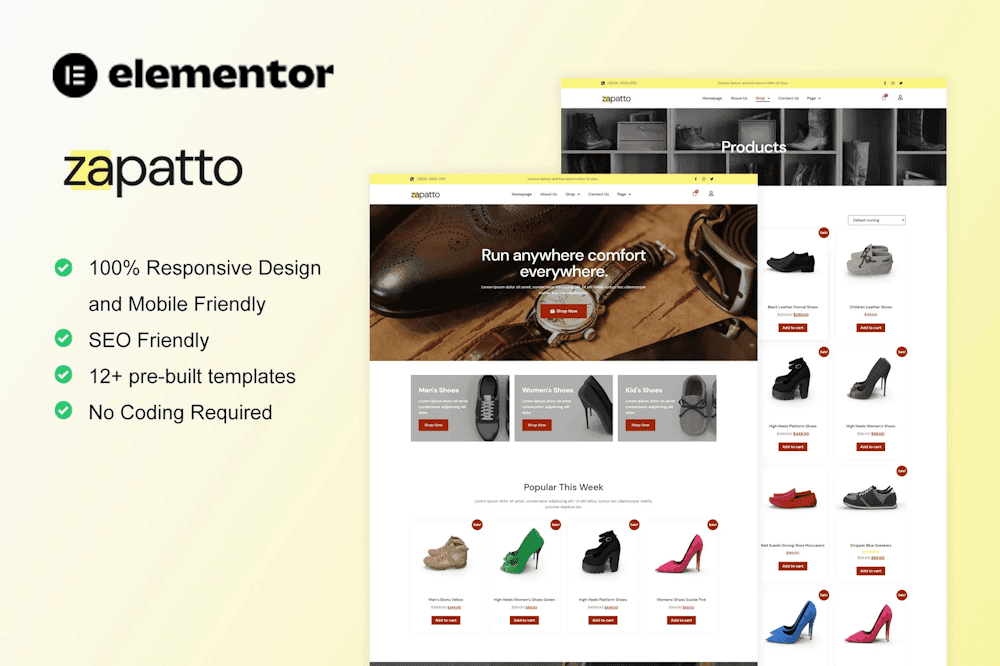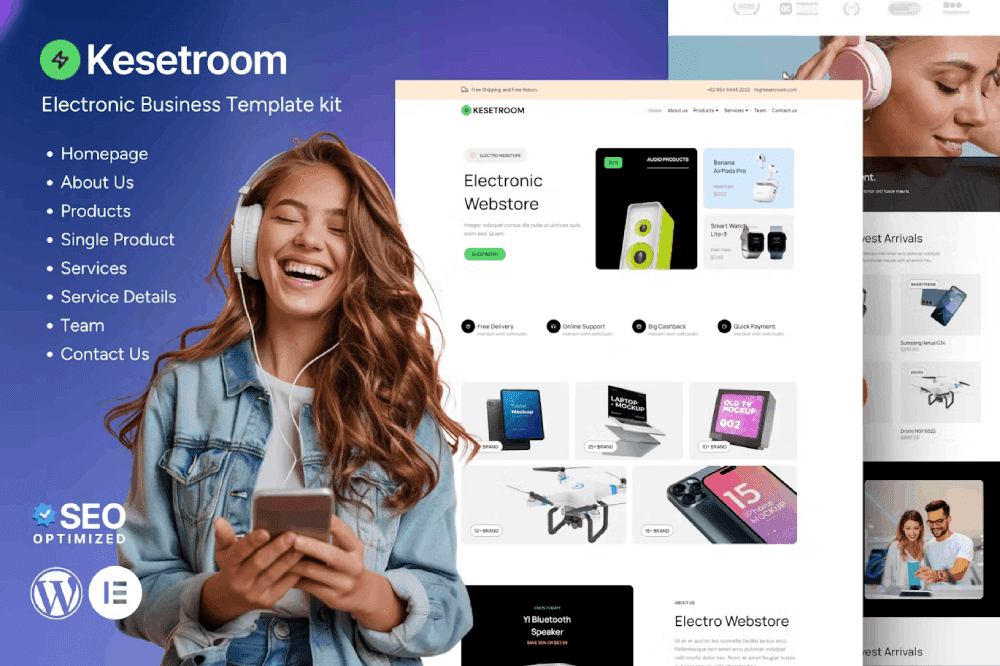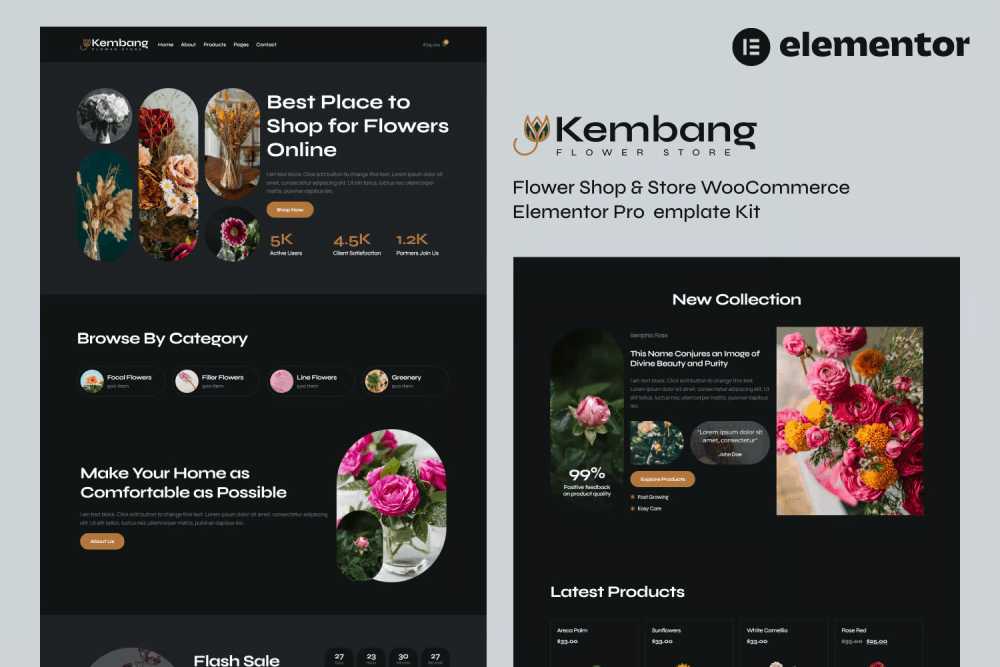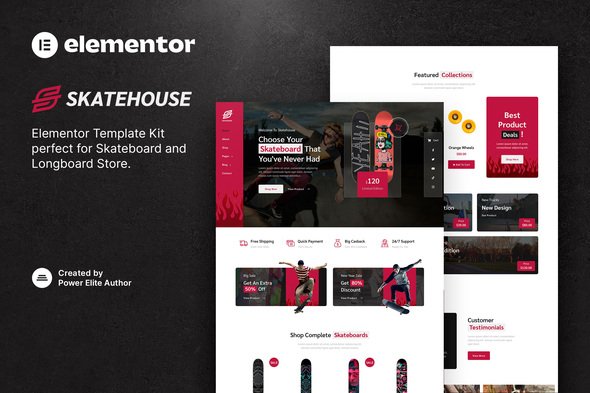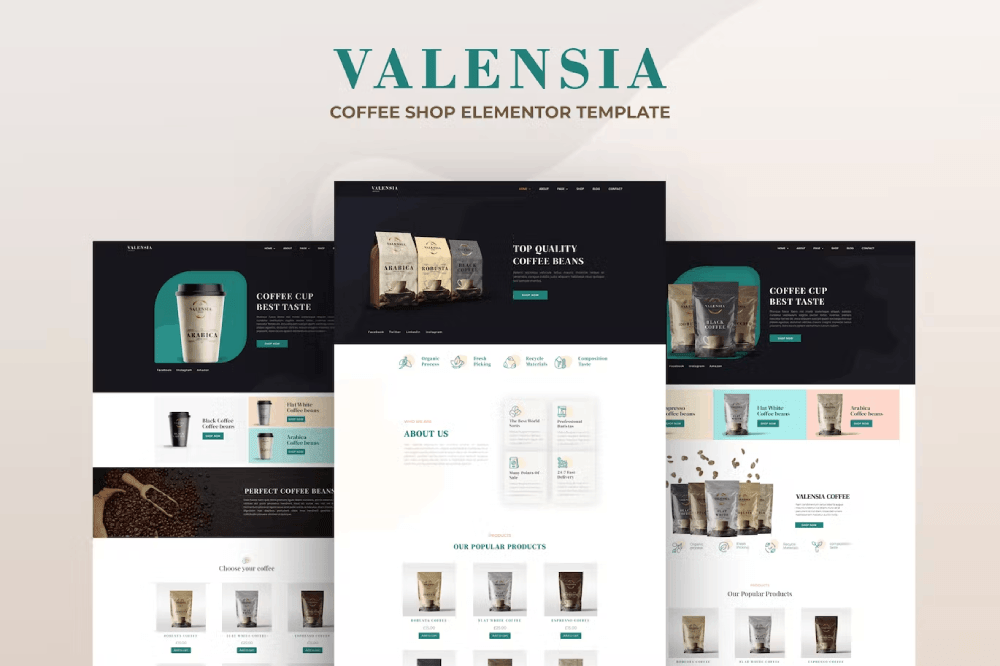

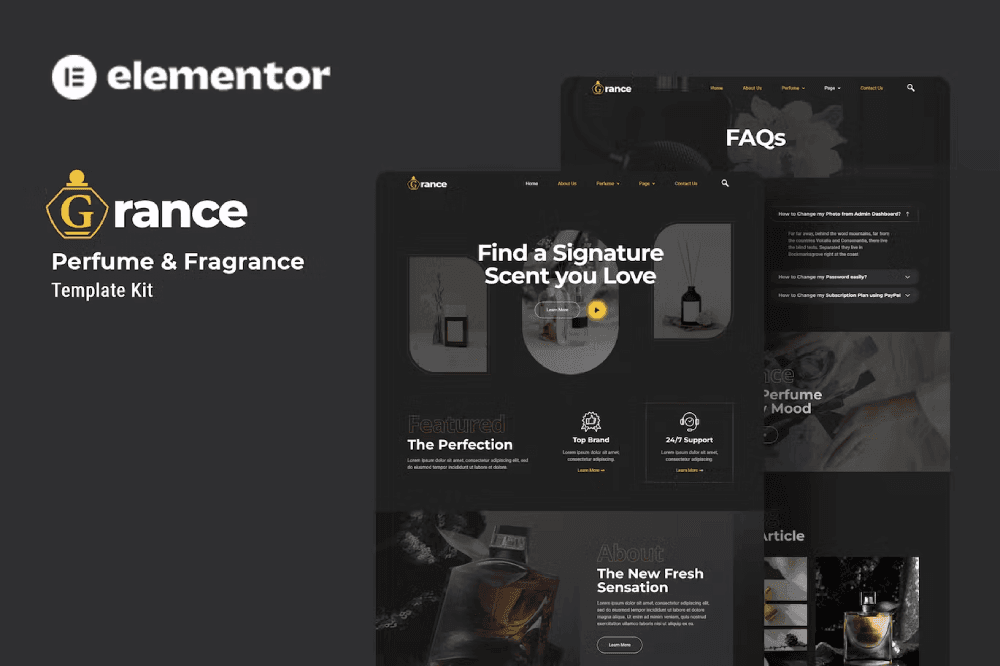
Grance – Perfume & Fragrance Elementor Template Kit is your perfect toolkit for crafting a sophisticated website for Cologne, Fragrance, and related product stores. Built with free Elementor elements, Grance offers a worry-free, modern design with various pages like Home, Perfume, and Collection—ready to showcase your scents with style. Fully customizable with no coding required, this kit ensures a seamless, responsive experience optimized for the free Hello Elementor theme (and most Elementor-compatible themes), helping you launch a captivating online presence effortlessly.
Features
- Sleek, modern design tailored for fragrance retail
- Fully responsive layout, stunning on all devices
- Built with free plugins—no upgrades needed
- Easy, no-code customization with Elementor’s drag-and-drop builder
- Lightweight and fast-loading for optimal performance
Pages
- Home
- About Us
- Perfume
- Collection
- FAQs
- Blog
- Single Blog
- Gallery
- 404
- Contact Us
Plugins
- Elementor: Core builder for intuitive, code-free design
- ElementsKit Lite: Lightweight tools for enhanced functionality
- Jeg Elementor Kit: Extra features for a polished build
- MetForm: Smart forms for customer engagement
- Header, Footer & Blocks Template: Custom layouts for cohesion
How to Use Template Kits
- Download your kit file and do not unzip.
- Go to Elements > Installed Kits and click the Upload Template Kit button. You may also import automatically by clicking Connect Account to link your Elements subscription, then import under Elements > Template Kits.
- Check for the orange banner at the top and click Install Requirements to load any plugins the kit uses.
- Click Import on the Global Kit Styles first.
- Click Import on one template at a time. These are stored in Elementor under Templates > Saved Templates.
- Go to Pages and create a new page, then click Edit with Elementor.
- Click the gear icon at the lower-left of the builder to view page settings, then choose Elementor Full Width and hide the page title.
- Click the gray folder icon to access My Templates tab, then import the page you’d like to customize.
If you have Elementor Pro, headers and footers may be customized under Theme Builder.